WhatsApp Broadcasting
Prepare template-based broadcasts and review delivery activity without losing sight of the people behind each message.
Explore
Broadcast, engage and support your customers—all from one place.
A connected messaging workspace for your entire team.
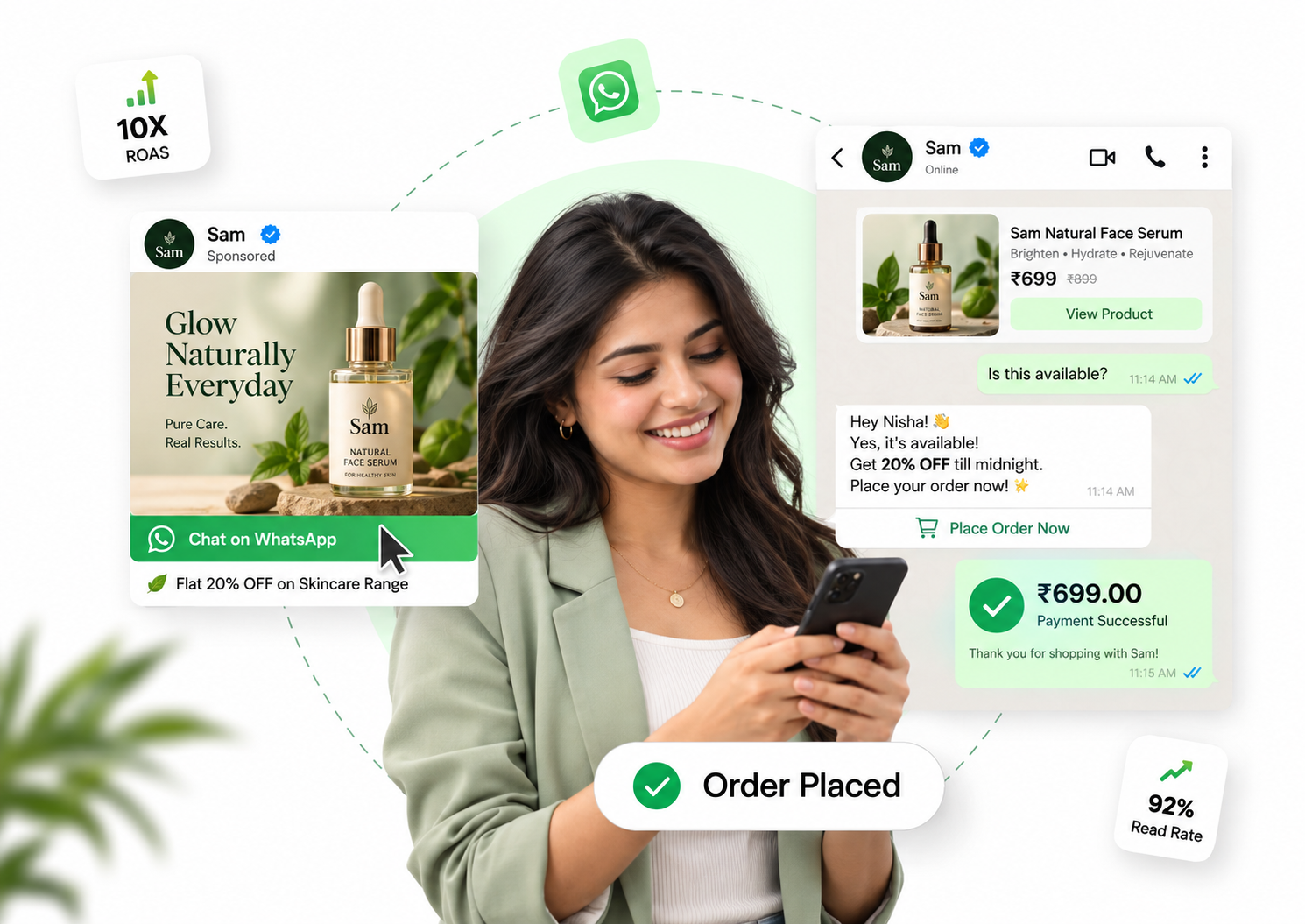
From your first campaign to your next customer reply.
Prepare template-based broadcasts and review delivery activity without losing sight of the people behind each message.
Build your campaign from authorized business contacts and check the audience before sending.
Use supported template variables to include customer-specific information in your message.
Check campaign records and message delivery information to decide what needs a follow-up.
Explore dedicated tools for campaigns, customer support and team collaboration.
Prepare template-based broadcasts and review delivery activity without losing sight of the people behind each message.
ExploreGive customer conversations a clear owner and help your team reply with the context they need.
ExplorePrepare approved marketing and utility templates with the supported content and buttons your business needs.
ExploreKeep your customer list and team responsibilities organized in one business workspace.
ExploreReview campaign records and delivery information so your team can follow up with better context.
ExploreUse the workflow builder and follow-up tools to organize repeatable messaging tasks for your business.
ExploreGive customer conversations a clear owner and help your team reply with the context they need.
Route a conversation to an agent or supervisor using the workspace assignment controls.
Unread status is tracked per account, so each teammate can see what needs their attention.
Review the incoming and outgoing messages in the conversation before responding.
Use the workflow builder and follow-up tools to organize repeatable messaging tasks for your business.
Arrange the available workflow blocks around the conversation your business wants to support.
Use your approved content and available reply tools to keep communication consistent.
The Work Flow Plan is an optional add-on at ₹999 per month, charged separately from your subscription.
Discover practical ways to bring WhatsApp into your customer journey.
Support customers from a product question to their next purchase.
ExploreBring admissions questions, course enquiries and student follow-ups into one workspace.
ExploreGive your sales team a shared place to answer questions and coordinate prospect follow-ups.
ExploreKeep enquiries, appointment conversations and service follow-ups organized.
ExploreBigbulkai is a business messaging workspace for managing authorized campaigns, contacts, templates, conversations and related operational activity from a single web application.
Use the Login button on this website. It securely redirects you to the Bigbulkai sign-in page at admin.bigbulkai.com/login.
No. Bigbulkai is an independent service that can integrate with third-party business messaging services. It is not affiliated with or endorsed by Meta or any messaging platform provider.
The business using the workspace is responsible for lawful messaging, required consent, opt-outs and compliance with the policies and requirements of connected messaging providers.
No. The current Bigbulkai Privacy Policy states that customer conversation data is not sold. Review the Privacy Policy for full details about processing, retention and disclosures.
Call Bigbulkai support at +91 62645 44290 for account, workspace, privacy or service-related assistance.
Bring your campaigns, customer conversations and team together with Bigbulkai.